
After your session, everything about your photos happens in one place: your account on our website, or our free app, which is the same thing on your phone. This is a short walk through what you will see, step by step, so there are no surprises and nothing to work out.
Step 1: your selection gallery, 3 to 4 days after the session
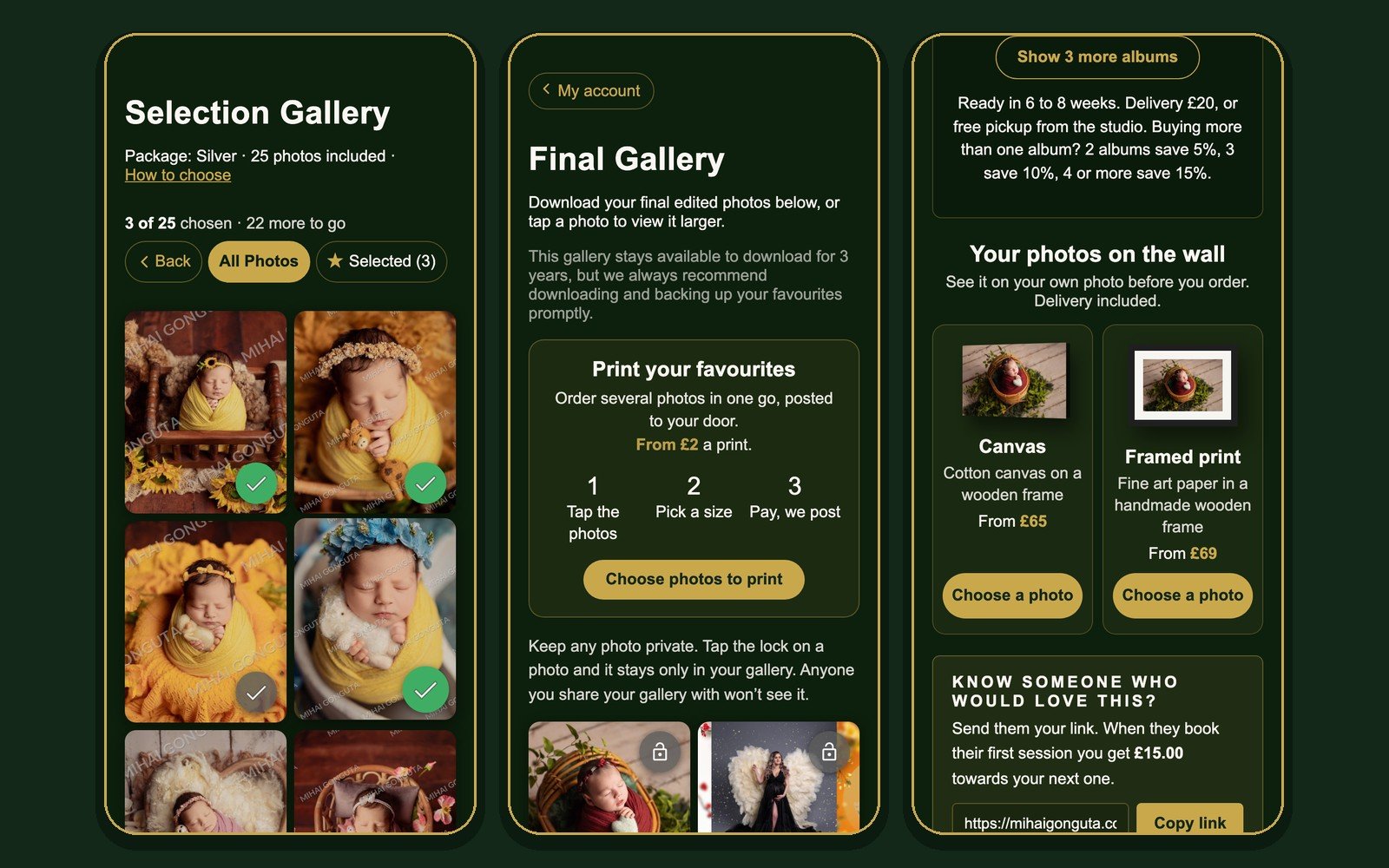
Within 3 to 4 days of your session you get a notification: your gallery is ready. Open it and you see every photo from the session, with a small watermark. These are the unedited previews, so you can choose which ones we edit.
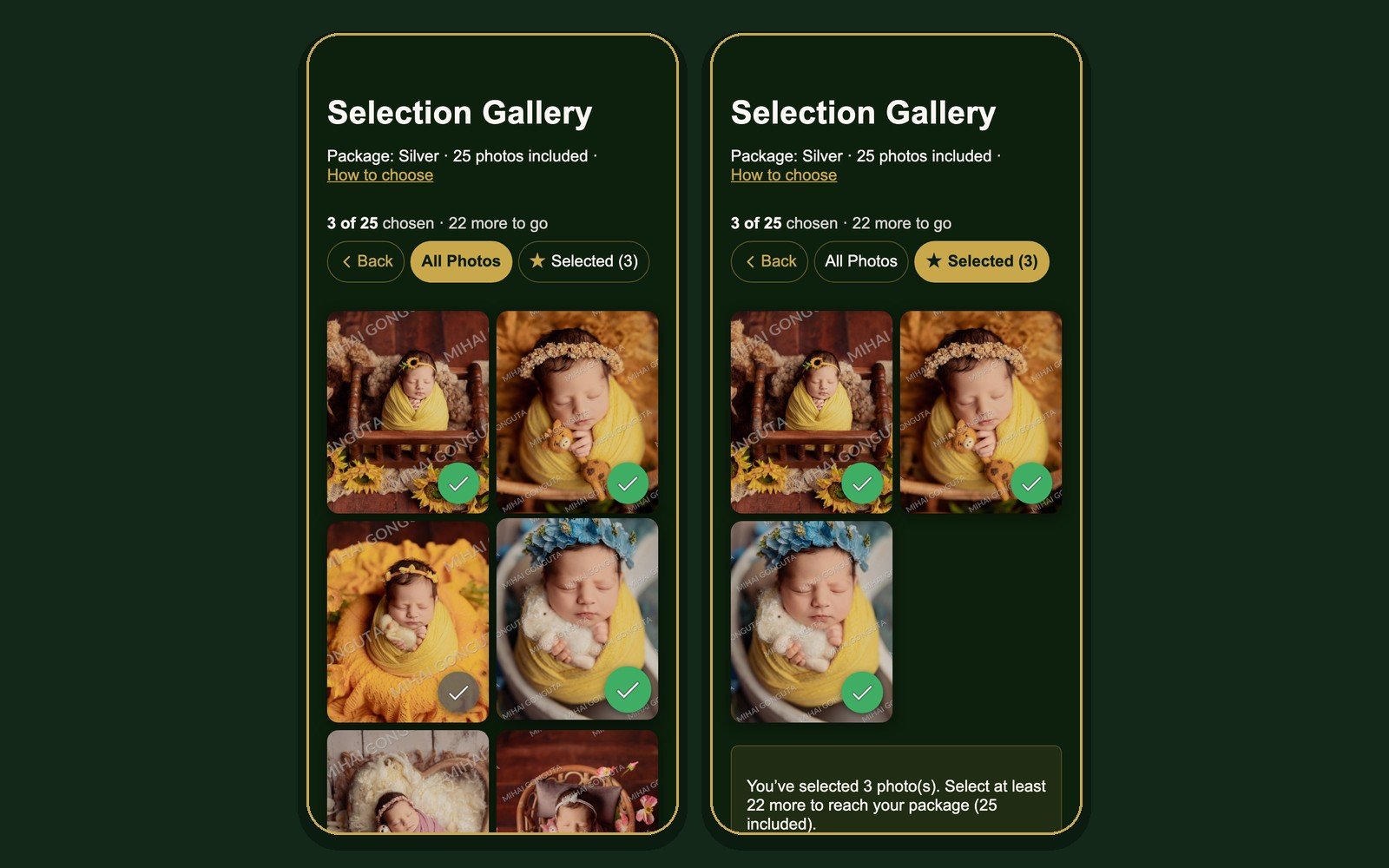
Choosing is one tap. Press the tick on each photo you love. At the top you always see how many photos your package includes and how many you have picked, for example 3 of 25 chosen, 22 more to go. If you go over, the extra photos are added with their price, so you always know the total before you send.
Your picks save by themselves. Close the app, come back next week, everything is still there. You have 15 days to choose, and we remind you before the time is up.
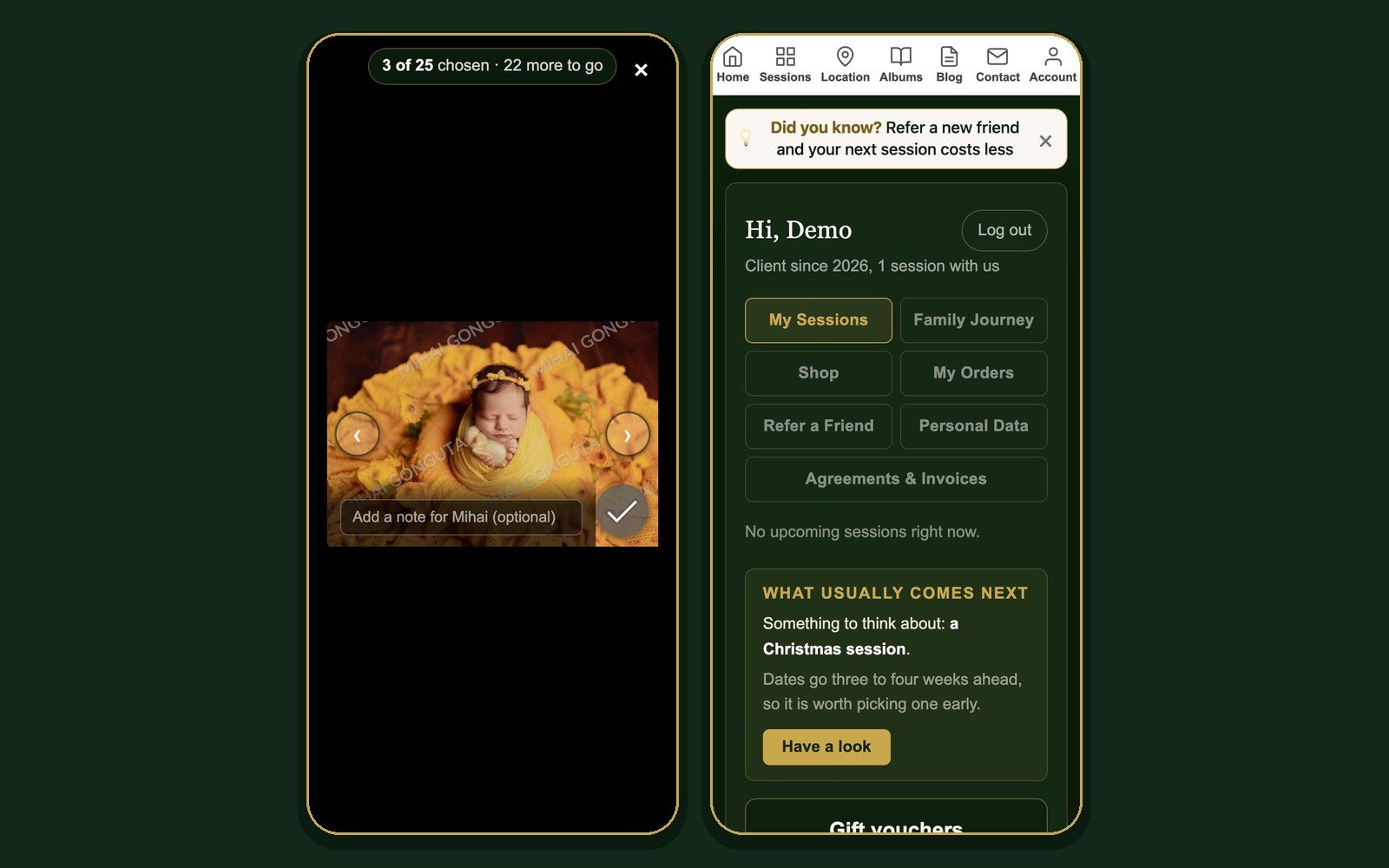
Tap a photo to see it full screen, with arrows to move between photos and the tick right there. If you want something specific for a photo, there is a small note field under it, for example please keep the background as it is.
When you are happy, open the Selected tab to check your choice and press Complete Selection. That is it. You get a confirmation straight away, and we start editing.
Step 2: anything else, while the order is still open
After you send your selection, the gallery stays open. You can still add photos to be edited, the complete unedited set from the session, or a printed album. Anything you add here is edited and delivered together with your final photos. The prices are shown on each option; there is no need to ask.
Step 3: your final gallery
Editing takes up to 20 working days, usually less. You can see the expected date in My Orders at any time, so there is no need to check in with us. The moment your photos are ready, you get a notification and your gallery turns into the Final Gallery, with your edited photos in full quality and no watermark.
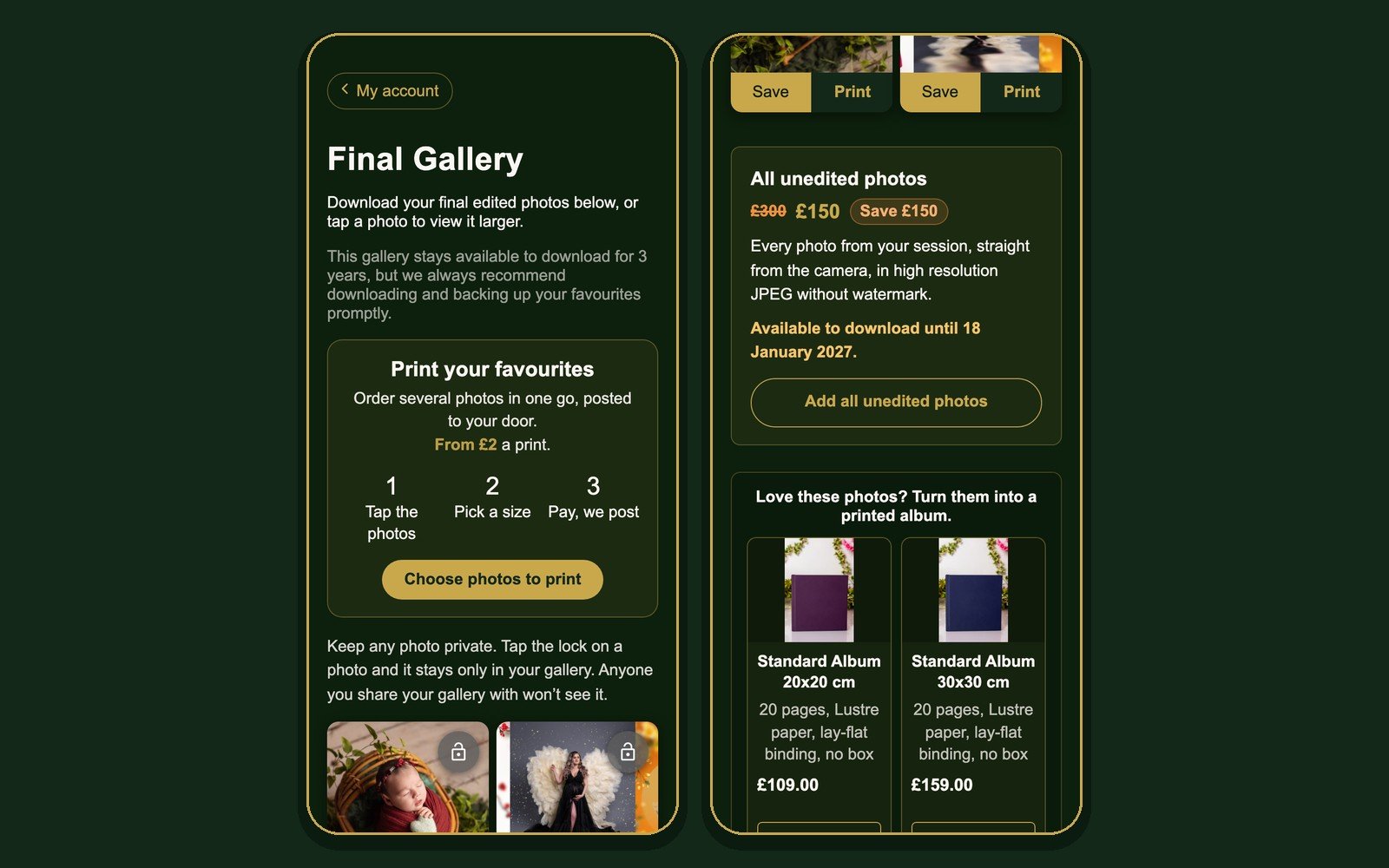
Every photo has a Save button, which saves it straight to your phone, and a Print button. Your final gallery stays available for 3 years, but we always recommend saving your favourites promptly.
Tap the lock on any photo to keep it private. A locked photo stays only in your gallery and is not visible to anyone you share the gallery with.
Your photos on the wall, and in your hands
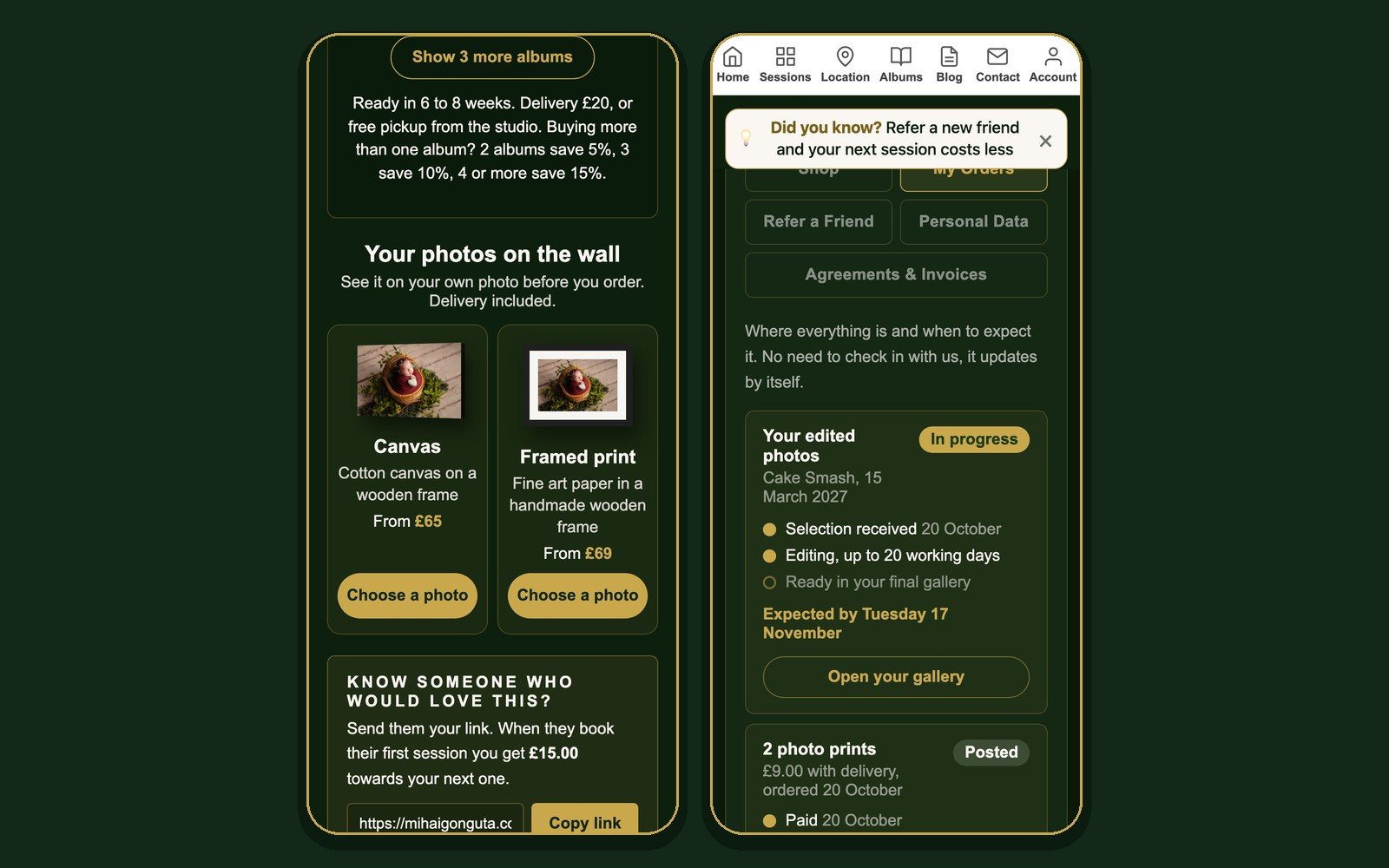
From the same gallery you can order prints, canvases, framed prints and albums. Choose a photo, pick a size, and you see the preview on your own photo before you pay. If a size would crop part of the photo, we show you exactly how, and you confirm it is fine. Everything is delivered to your door, or you can collect albums from the studio.
You pay in the app by card, Apple Pay or Google Pay, in 3 interest free payments with Klarna or Clearpay, or with PayPal. Your invoice appears in Agreements and Invoices.
My Orders: where everything is
My Orders shows each thing you are waiting for, with the steps done and the expected date: your edited photos, extra photos, the unedited set, albums and prints. It updates by itself.
Get the app
The app has everything in one place: your booking, the session guide, directions to the studio, your galleries and your orders, with notifications the moment something is ready. Install it from the App Store or Google Play, sign in with the email you booked with, and allow notifications.
Your photos, on your phone